
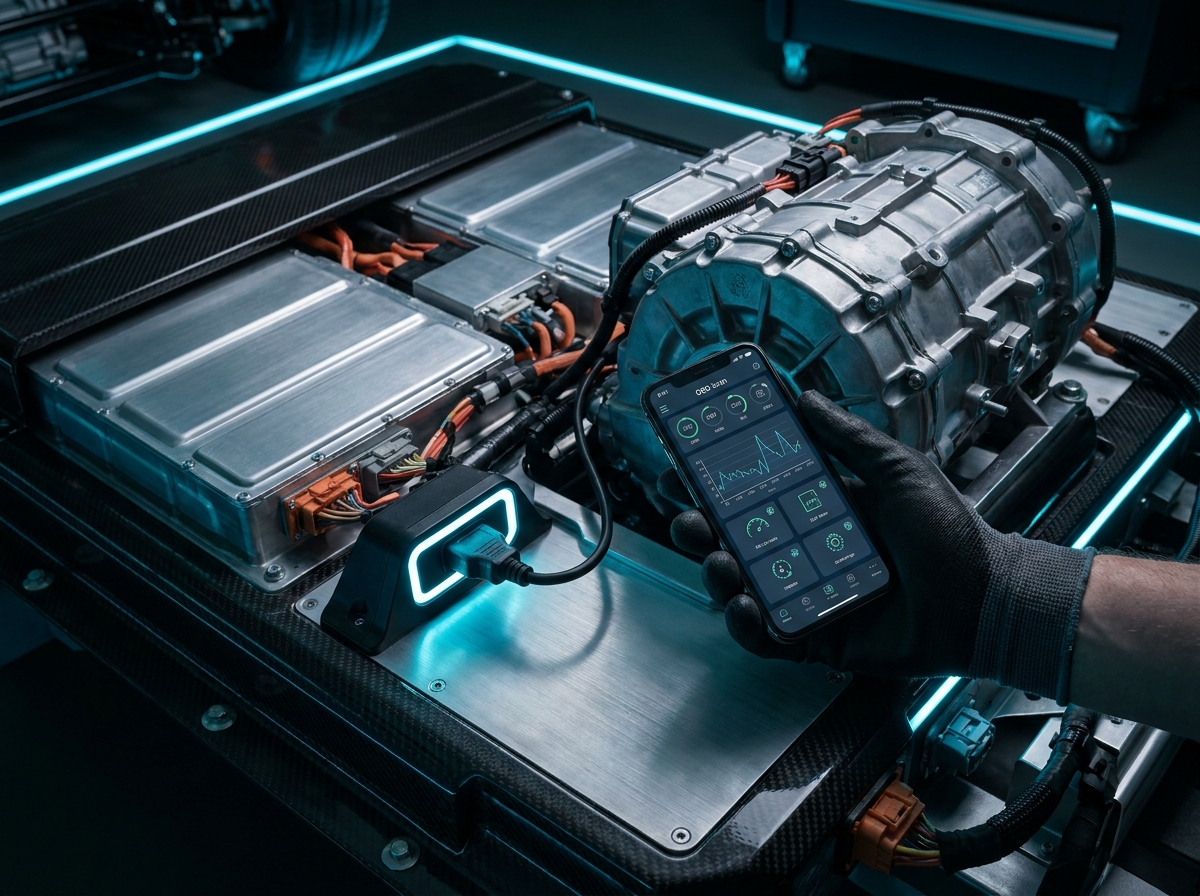
Modern vehicles generate thousands of data points every second — engine temperature, fuel trim, battery voltage, and fault codes stored in the onboard computer. With a $20 OBD2 adapter and a free app, you can access that information directly from your phone.
What You Need to Get Started
Car diagnostic scanning requires two components: an ELM327-compatible OBD2 adapter and a smartphone app. The adapter plugs into the 16-pin OBD-II port, usually located beneath the steering column within arm's reach of the driver's seat.
- Bluetooth adapters — affordable and widely compatible; pair once and reconnect automatically
- Wi-Fi adapters — popular with iPhone users since iOS restricts background Bluetooth in some apps
- Diagnostic apps — Torque Pro, Car Scanner ELM OBD2, OBD Auto Doctor, and DashCommand cover most use cases
Step-by-Step: Your First Scan
- Turn the ignition to the ON position without starting the engine (or start the engine for live data).
- Plug the OBD2 adapter firmly into the port until it clicks.
- Open your diagnostic app and pair with the adapter via Bluetooth or Wi-Fi.
- Tap Read Codes to retrieve stored and pending trouble codes.
- Look up each code in the app's built-in database or search online for plain-language explanations.
Garage display tip: Cast your diagnostic dashboard to a wall-mounted TV for hands-free monitoring while you work underneath the vehicle. Our guide on the best apps to turn any TV into a smart TV walks you through the fastest streaming setup for your garage.
Understanding Diagnostic Trouble Codes
OBD2 codes follow a standard format. A code like P0301 indicates a cylinder 1 misfire. The first letter tells you the system: P for powertrain, B for body, C for chassis, and U for network communication.
Do not panic at the first code you see. Some codes are intermittent and triggered by a loose gas cap. Others point to serious issues that need immediate attention. Always cross-reference codes with symptoms — rough idle, reduced power, or unusual smells — before deciding on repairs.
Live Data Worth Monitoring
- Coolant temperature — should stabilize between 85–105 °C during normal driving
- Battery voltage — 13.5–14.5 V while running indicates a healthy charging system
- Fuel trims — values near zero suggest balanced air-fuel mixture
- O2 sensor readings — oscillating voltage confirms the sensor is responding
Document Repairs With Your Phone Camera
Before and after photos help you track repair progress and share evidence with your mechanic. Blurry garage lighting makes this harder than it should be. Follow our tutorial on installing GCam for sharper phone photos to capture clear close-ups of engine components, wiring, and dashboard readings.
Regular scanning also helps you catch problems early. A slow O2 sensor degradation shows up in fuel trim data weeks before the check engine light appears — giving you time to plan repairs on your schedule instead of reacting to emergencies.